The Complete STR Turnover Inspection Checklist: Every Photo You Need for Damage Documentation
Feb 13, 2026
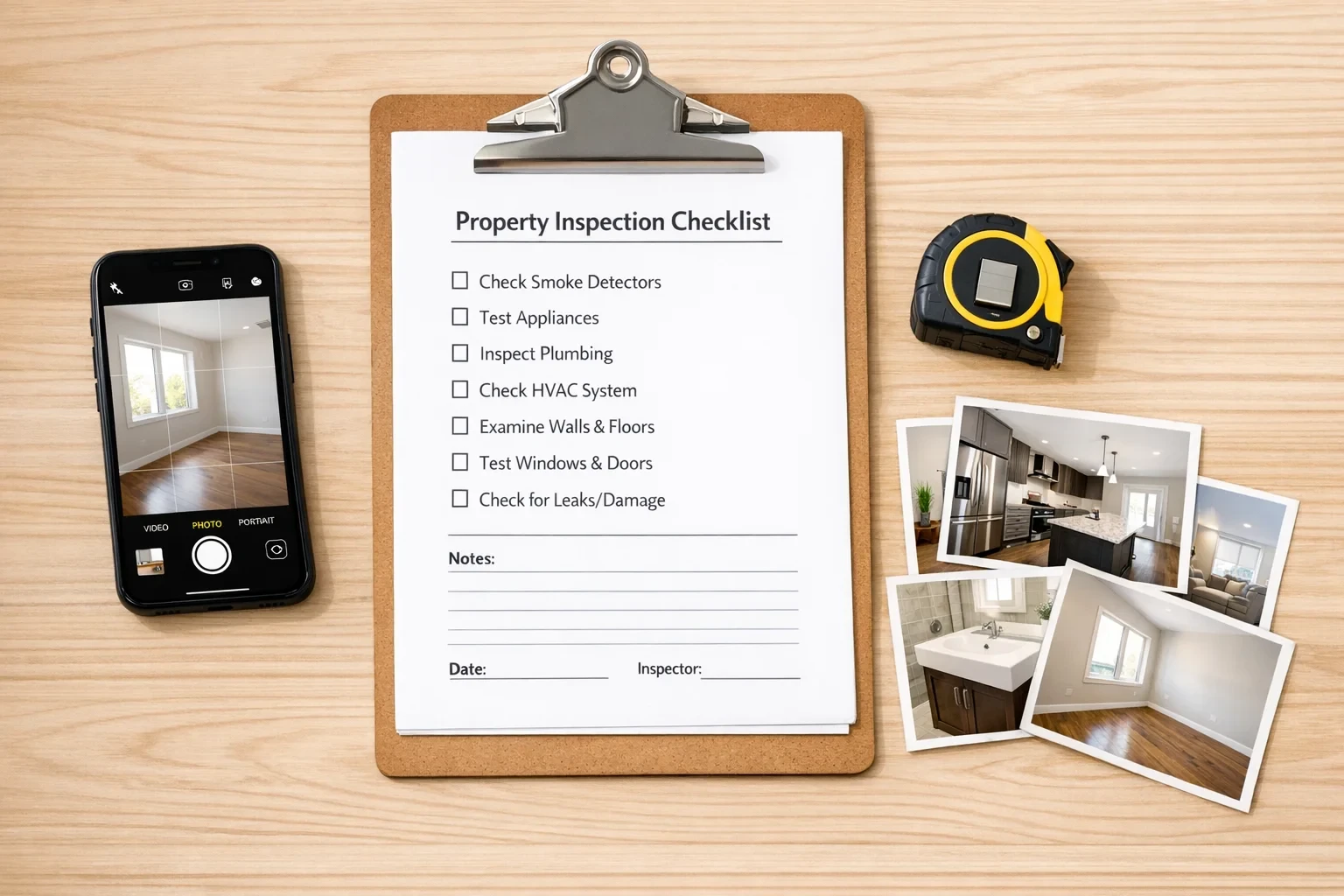
If you're managing short-term rentals, you probably already have some kind of photo documentation process. The problem is most of it won't hold up when you actually need it for a damage claim.
I've seen property managers with thousands of turnover photos that are basically useless. Close-ups with no context. Blurry shots. Missing the items that actually get damaged. This is the checklist I wish existed when we started working with PMs on their documentation workflows.
Before You Start: What Makes a Photo Actually Useful
Let's get the fundamentals out of the way. According to FEMA guidance on damage documentation, photos lacking context are one of the biggest reasons claims get complicated. A close-up of a scratch means nothing if you can't prove where it is.
Every photo needs:
Context shot first, detail shot second. Wide angle showing the whole area, then zoom in on specific items.
Something for scale. A measuring tape is ideal. Your hand or a common object works in a pinch.
Timestamps. Most phones do this automatically, but verify it's enabled. Airbnb's damage protection terms require evidence that's "true and accurate" with documentation of time and cause.
Good lighting. If you can't see the condition clearly, neither can an adjuster.
What makes photos useless:
Extreme close-ups with no surrounding context
Blurry or dark images
No way to identify which property or which room
Missing the items that actually matter (more on this below)
Entry Area
This is where first impressions happen and where a lot of minor damage goes unnoticed.
Must capture:
Front door (both sides) including lock, handle, and frame
Doorbell/lockbox/smart lock
Welcome mat condition
Entry flooring (scratches, scuffs, transitions)
Coat hooks, key holders, any wall-mounted items
Light switches and fixtures
Walls at high-touch areas
Angles: One shot from outside looking in, one from inside looking out, then detail shots of hardware.
Living Spaces
Breezeway analyzed over 300,000 reported issues from vacation rentals. Living areas show up constantly for broken items, stains, and missing accessories.
Must capture:
Full room wide shot from each corner (establishes baseline)
Sofa and chair cushions (lift them, photograph underneath)
Coffee table and side table surfaces
TV screen (get close enough to see scratches)
Remote controls (yes, these disappear constantly)
Rugs and carpet areas
Window treatments (curtains, blinds, shutters)
Wall art and decorative items
Any electronics (sound systems, gaming consoles)
Outlets and light switches
Ceiling fan and light fixtures
Angles: Four corners of the room for context, then methodical detail shots moving clockwise.
Pro tip: Remote controls, throw blankets, and decorative pillows are the most commonly "missing" items. Photograph them every single time.
Kitchen
Kitchens generate the most issues according to the Breezeway data. Appliances, countertops, and utensils are constantly in play.
Must capture:
Full kitchen overview
Countertop surfaces (chips, burns, stains)
Backsplash condition
Cabinet faces (all of them, even upper cabinets)
Cabinet interiors (open a few, photograph dish condition)
Refrigerator exterior and interior (both doors open)
Freezer interior
Oven/range (stovetop surface, inside oven)
Microwave interior
Dishwasher interior
Sink and faucet
Garbage disposal area
Small appliances (coffee maker, toaster, blender)
Under sink area
Angles: Wide shot first, then systematically work through appliances. For appliances, exterior shot then interior.
Don't skip: Serial numbers on major appliances. FEMA specifically recommends recording these. Takes two seconds and saves headaches later.
Bathrooms
Clogged toilets, slow drains, mold, and broken fixtures are bathroom staples. Also high-risk for water damage that can escalate fast.
Must capture:
Full bathroom overview
Toilet (bowl, seat, tank, base where it meets floor)
Vanity and sink
Faucet and handles
Mirror condition
Shower/tub interior (grout lines, caulking, drain)
Showerhead
Shower door or curtain
Towel bars and hooks
Toilet paper holder
Under sink cabinet
Exhaust fan
Any signs of water damage (ceiling, walls, floor edges)
Tile grout condition
Angles: Standing in doorway for context, then systematic detail shots. Get low for toilet base and floor edges where water damage shows first.
Critical: Water damage is over 20% of all property insurance claims according to Proper Insurance. The average sewer backup claim they cite is $18,000. Document bathroom conditions thoroughly.
Bedrooms
Broken lamps, stained linens, and window covering problems are the usual suspects here.
Must capture:
Full room from doorway
Bed frame and headboard
Mattress (strip the bed, photograph the mattress itself)
All pillows
Nightstands and lamps
Dresser drawers (open them)
Closet interior
Hangers (yes, they disappear)
Window treatments
Mirrors
Any artwork or wall decor
Carpet/flooring condition
Outlets and light switches
Angles: Four corners for context, then work through furniture pieces. Strip the bed for mattress shots at least monthly or when you suspect issues.
Outdoor Areas
NFPA data cited by Pinellas Suncoast Fire District shows an average of 11,421 grill-related fires per year. Outdoor areas are high-damage zones that often get rushed documentation.
Must capture:
Patio/deck surface condition
All outdoor furniture
Cushions (flip them)
Grill exterior and interior (grates, grease trap)
Propane tank gauge if applicable
Hot tub/pool area (if applicable)
Fence/railing condition
Outdoor lighting
Landscaping near structures
Any outdoor electronics
Fire pit area
Gate hardware
Angles: Wide establishing shot of outdoor space, then each furniture grouping, then equipment close-ups.
Safety Items (Document Every Time)
Multiple jurisdictions require annual safety inspections for STRs. Even if yours doesn't, document these:
Smoke detector presence and indicator light
CO detector presence and indicator light
Fire extinguisher (check gauge, photograph expiration)
First aid kit location and contents
Emergency exit routes are clear
GFCI outlets in wet areas
When to Update Your Baseline Photos
Your baseline is what you compare new photos against. Outdated baselines cause problems.
Update baselines when:
Any furniture or decor changes
After repairs or replacements
Seasonally (at minimum quarterly)
After any renovation or update
When you notice normal wear has changed the appearance
Baseline photo requirements:
Higher quality than turnover photos
Multiple angles per item
Include model numbers, serial numbers, purchase documentation
Store copies off-device (cloud backup)
The NAIC recommends photographing each item with description, age, purchase price, and estimated current value for home inventory purposes. Same principle applies here.
Making This Actually Happen at Scale
Here's the reality. If you're managing 50+ units with turnovers every few days, you're generating thousands of photos monthly. The Breezeway data came from analyzing over 300,000 issues, which gives you a sense of the volume we're talking about.
Vrbo gives you 14 days to file damage claims. Airbnb gives you 30 days. That window closes fast when you're juggling multiple properties.
The documentation only matters if someone actually reviews it. That's where most systems break down. You can have perfect photos sitting in Breezeway that nobody ever looks at until there's a problem, and by then it's too late to know if the damage was pre-existing.
This is what we built RapidEye to solve. It automatically analyzes turnover photos against your baselines, flags new damage, and generates timestamped reports. Your cleaners keep taking photos the way they already do. The AI handles the review at scale.
But even without automation, following this checklist systematically will put you ahead of most property managers. The key is consistency. Same items, same angles, every turnover.
If you're managing short-term rentals, you probably already have some kind of photo documentation process. The problem is most of it won't hold up when you actually need it for a damage claim.
I've seen property managers with thousands of turnover photos that are basically useless. Close-ups with no context. Blurry shots. Missing the items that actually get damaged. This is the checklist I wish existed when we started working with PMs on their documentation workflows.
Before You Start: What Makes a Photo Actually Useful
Let's get the fundamentals out of the way. According to FEMA guidance on damage documentation, photos lacking context are one of the biggest reasons claims get complicated. A close-up of a scratch means nothing if you can't prove where it is.
Every photo needs:
Context shot first, detail shot second. Wide angle showing the whole area, then zoom in on specific items.
Something for scale. A measuring tape is ideal. Your hand or a common object works in a pinch.
Timestamps. Most phones do this automatically, but verify it's enabled. Airbnb's damage protection terms require evidence that's "true and accurate" with documentation of time and cause.
Good lighting. If you can't see the condition clearly, neither can an adjuster.
What makes photos useless:
Extreme close-ups with no surrounding context
Blurry or dark images
No way to identify which property or which room
Missing the items that actually matter (more on this below)
Entry Area
This is where first impressions happen and where a lot of minor damage goes unnoticed.
Must capture:
Front door (both sides) including lock, handle, and frame
Doorbell/lockbox/smart lock
Welcome mat condition
Entry flooring (scratches, scuffs, transitions)
Coat hooks, key holders, any wall-mounted items
Light switches and fixtures
Walls at high-touch areas
Angles: One shot from outside looking in, one from inside looking out, then detail shots of hardware.
Living Spaces
Breezeway analyzed over 300,000 reported issues from vacation rentals. Living areas show up constantly for broken items, stains, and missing accessories.
Must capture:
Full room wide shot from each corner (establishes baseline)
Sofa and chair cushions (lift them, photograph underneath)
Coffee table and side table surfaces
TV screen (get close enough to see scratches)
Remote controls (yes, these disappear constantly)
Rugs and carpet areas
Window treatments (curtains, blinds, shutters)
Wall art and decorative items
Any electronics (sound systems, gaming consoles)
Outlets and light switches
Ceiling fan and light fixtures
Angles: Four corners of the room for context, then methodical detail shots moving clockwise.
Pro tip: Remote controls, throw blankets, and decorative pillows are the most commonly "missing" items. Photograph them every single time.
Kitchen
Kitchens generate the most issues according to the Breezeway data. Appliances, countertops, and utensils are constantly in play.
Must capture:
Full kitchen overview
Countertop surfaces (chips, burns, stains)
Backsplash condition
Cabinet faces (all of them, even upper cabinets)
Cabinet interiors (open a few, photograph dish condition)
Refrigerator exterior and interior (both doors open)
Freezer interior
Oven/range (stovetop surface, inside oven)
Microwave interior
Dishwasher interior
Sink and faucet
Garbage disposal area
Small appliances (coffee maker, toaster, blender)
Under sink area
Angles: Wide shot first, then systematically work through appliances. For appliances, exterior shot then interior.
Don't skip: Serial numbers on major appliances. FEMA specifically recommends recording these. Takes two seconds and saves headaches later.
Bathrooms
Clogged toilets, slow drains, mold, and broken fixtures are bathroom staples. Also high-risk for water damage that can escalate fast.
Must capture:
Full bathroom overview
Toilet (bowl, seat, tank, base where it meets floor)
Vanity and sink
Faucet and handles
Mirror condition
Shower/tub interior (grout lines, caulking, drain)
Showerhead
Shower door or curtain
Towel bars and hooks
Toilet paper holder
Under sink cabinet
Exhaust fan
Any signs of water damage (ceiling, walls, floor edges)
Tile grout condition
Angles: Standing in doorway for context, then systematic detail shots. Get low for toilet base and floor edges where water damage shows first.
Critical: Water damage is over 20% of all property insurance claims according to Proper Insurance. The average sewer backup claim they cite is $18,000. Document bathroom conditions thoroughly.
Bedrooms
Broken lamps, stained linens, and window covering problems are the usual suspects here.
Must capture:
Full room from doorway
Bed frame and headboard
Mattress (strip the bed, photograph the mattress itself)
All pillows
Nightstands and lamps
Dresser drawers (open them)
Closet interior
Hangers (yes, they disappear)
Window treatments
Mirrors
Any artwork or wall decor
Carpet/flooring condition
Outlets and light switches
Angles: Four corners for context, then work through furniture pieces. Strip the bed for mattress shots at least monthly or when you suspect issues.
Outdoor Areas
NFPA data cited by Pinellas Suncoast Fire District shows an average of 11,421 grill-related fires per year. Outdoor areas are high-damage zones that often get rushed documentation.
Must capture:
Patio/deck surface condition
All outdoor furniture
Cushions (flip them)
Grill exterior and interior (grates, grease trap)
Propane tank gauge if applicable
Hot tub/pool area (if applicable)
Fence/railing condition
Outdoor lighting
Landscaping near structures
Any outdoor electronics
Fire pit area
Gate hardware
Angles: Wide establishing shot of outdoor space, then each furniture grouping, then equipment close-ups.
Safety Items (Document Every Time)
Multiple jurisdictions require annual safety inspections for STRs. Even if yours doesn't, document these:
Smoke detector presence and indicator light
CO detector presence and indicator light
Fire extinguisher (check gauge, photograph expiration)
First aid kit location and contents
Emergency exit routes are clear
GFCI outlets in wet areas
When to Update Your Baseline Photos
Your baseline is what you compare new photos against. Outdated baselines cause problems.
Update baselines when:
Any furniture or decor changes
After repairs or replacements
Seasonally (at minimum quarterly)
After any renovation or update
When you notice normal wear has changed the appearance
Baseline photo requirements:
Higher quality than turnover photos
Multiple angles per item
Include model numbers, serial numbers, purchase documentation
Store copies off-device (cloud backup)
The NAIC recommends photographing each item with description, age, purchase price, and estimated current value for home inventory purposes. Same principle applies here.
Making This Actually Happen at Scale
Here's the reality. If you're managing 50+ units with turnovers every few days, you're generating thousands of photos monthly. The Breezeway data came from analyzing over 300,000 issues, which gives you a sense of the volume we're talking about.
Vrbo gives you 14 days to file damage claims. Airbnb gives you 30 days. That window closes fast when you're juggling multiple properties.
The documentation only matters if someone actually reviews it. That's where most systems break down. You can have perfect photos sitting in Breezeway that nobody ever looks at until there's a problem, and by then it's too late to know if the damage was pre-existing.
This is what we built RapidEye to solve. It automatically analyzes turnover photos against your baselines, flags new damage, and generates timestamped reports. Your cleaners keep taking photos the way they already do. The AI handles the review at scale.
But even without automation, following this checklist systematically will put you ahead of most property managers. The key is consistency. Same items, same angles, every turnover.